
AI Assistant Coding vs Vibe Coding
By Muhammad Sharjeel | Published on Sun Jan 04 2026
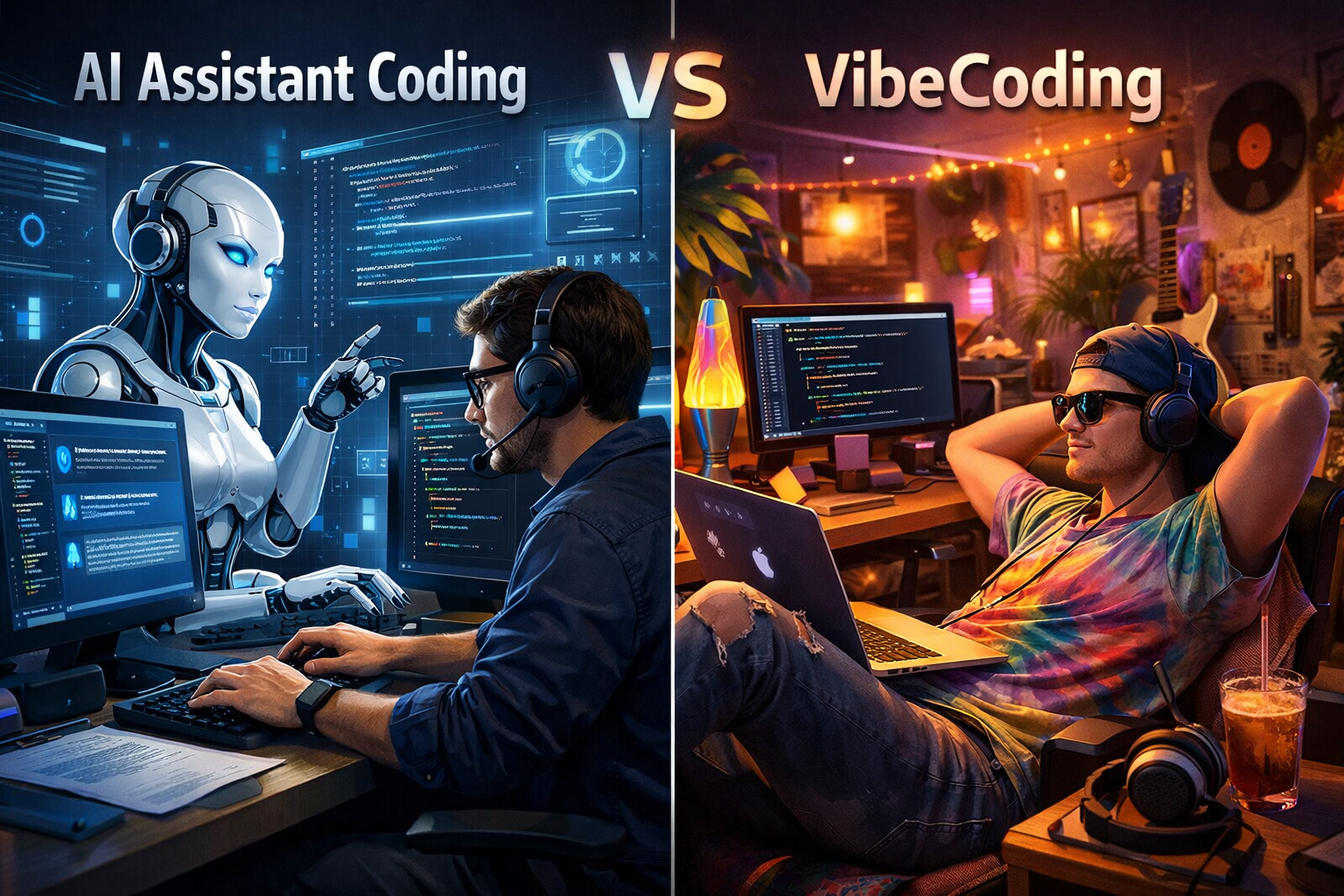
AI Assistant Coding & Vibe Coding
As the shift towards using AI in the modern world grows, the use of AI in Software Development has increased exponentially. People now rely on AI more rather than solving a problem using their brain. Now the use of AI itself is not bad if used correctly. I myself use AI everyday as an assistant or a teacher that teaches you new concepts and ways to code. The problem comes when people use it with their sheep-like brain that is incapable of thinking and learning using AI.
First reason I believe is that overall as a society we all have become "TikTok" and "Instagram reel" brained which constantly crave dopamine. People do not want to sit down and focus for hours anymore, rather they want just quick fixes, summaries, someone that can explain in natural language rather than learning from it from a technical perspective. Secondly, people just want that feeling of learning rather than actually putting in the work, biggest reason being one can do all of the work in a matter of seconds using AI, because it's easy and available for free.
Now, as a developer working in the industry, I come across a lot of code which is redundant, messy, vibe coded and most of the time, a junior developer is behind it. When asked "what was the thought process followed for this code?", the answer comes back "because cursor suggested it". This kind of sheep mindset ruins you as a developer, impacts the business in the longer run because there is no structure, no foundation and no actual thought put for the problem that is being solved. Just shipping code that you don't understand doesn't make you a developer, understanding the code does. As a good developer, your job is to learn all those technical concepts and fundamentals which make you a good critical thinker, decision maker, debugger and a problem solver.
Vibe Coding?
Vibe coding is the practice of blindly accepting AI-generated code suggestions without understanding what the code does, why it works, or whether it's the right solution for the problem at hand. It's coding by vibes, if you get a good feeling about it, and the AI suggested it, ship it.
This approach treats AI tools like Cursor, GitHub Copilot, or ChatGPT as oracles rather than assistants. Instead of using AI to accelerate learning and problem-solving, vibe coders use it to skip the thinking process entirely. The code might work initially, but when it breaks (and it will), the developer has no foundation to debug or fix it.
The Cons of Vibe Coding
Vibe coding creates a cascade of problems that extend far beyond the immediate codebase:
1. Lack of Understanding
When you accept code without understanding it, you're not learning, you're copying. This means:
- You can't explain why a solution works or doesn't work
- You can't modify the code when requirements change
- You can't debug effectively when things break
- You can't make informed decisions about trade-offs
I've seen developers who can't explain their own code during code reviews. When asked "Why did you use this approach?", the answer is often "The AI suggested it" which is not an answer at all.
2. No Foundation or Structure
Vibe coding leads to codebases that lack architectural coherence. Without understanding the fundamentals, developers:
- Mix patterns inconsistently (some functional, some OOP, some procedural)
- Create circular dependencies because they don't understand module boundaries
- Write code that works in isolation but breaks when integrated
- Build systems that are impossible to maintain or scale
Each AI suggestion might be correct in isolation, but without a developer's understanding of the bigger picture, the codebase becomes a patchwork of disconnected solutions.
3. Business Impact
The long-term cost of vibe coding is significant:
- Technical debt: Code that works but can't be extended or modified easily
- Slower development: When you can't understand existing code, every change takes longer
- Higher bug rates: Code you don't understand is code you can't test properly
- Team velocity decline: As the codebase grows, onboarding becomes harder and feature development slows
- Increased costs: More time debugging, more refactoring, more rewrites
I've worked on projects where entire features had to be rewritten because the original code was so poorly understood that no one could modify it safely.
4. Career Stagnation
Perhaps the most damaging consequence is personal, vibe coding prevents you from growing as a developer. When you skip the learning process, you:
- Never develop problem-solving skills
- Can't progress beyond junior-level work
- Become dependent on AI tools rather than your own knowledge
- Struggle in interviews or technical discussions
- Can't mentor others or contribute to architectural decisions
Your career plateaus because you're not building the skills that make senior developers valuable: critical thinking, system design, and deep technical knowledge.
The Real Job of a Developer
Being a developer isn't about writing code, it's about solving problems. The qualities of a good developer entails:
Critical Thinking and Problem-Solving
Before writing any code, a good developer:
- Understands the problem deeply, not just the surface requirements
- Considers multiple solutions and their trade-offs
- Thinks about edge cases, error handling, and failure modes
- Evaluates solutions based on maintainability, performance, and scalability
This is the thinking work that AI can't do for you. AI can suggest code, but it can't understand your business context, your team's constraints, or your long-term goals.
Understanding Fundamentals
Strong developers have deep knowledge of:
- Core concepts: Data structures, algorithms, design patterns, system architecture
- Language specifics: How the language works under the hood, not just syntax
- Best practices: When to apply them and when to break them
- Trade-offs: Performance vs. readability, speed vs. maintainability
This knowledge comes from study, practice, and experience, not from copying AI suggestions.
Decision-Making
Every line of code is a decision. Good developers make informed decisions by:
- Understanding why one approach is better than another
- Considering the impact on the codebase, team, and users
- Balancing short-term speed with long-term maintainability
- Making choices that align with project goals and constraints
AI can't make these decisions for you because it doesn't know your context, your team, or your goals.
Debugging Skills
Debugging is where understanding really matters. When code breaks, you need to:
- Read error messages and stack traces
- Trace execution flow through the codebase
- Understand how different parts interact
- Identify root causes, not just symptoms
- Fix issues without introducing new bugs
If you don't understand the code, debugging becomes guesswork. You'll try random fixes, copy-paste solutions from Stack Overflow, and hope something works, which is neither efficient nor reliable.
How to Use AI as an Assistant
AI is a powerful tool when used correctly. Here's how to leverage it without falling into the vibe coding trap:
1. AI as a Teacher
Use AI to learn, not to skip learning:
- Ask for explanations: "Explain how this React hook works" instead of "Write a React hook for me"
- Request examples: "Show me three different ways to handle this problem" and understand the trade-offs
- Get context: "Why would I use this pattern? What are the alternatives?"
- Learn fundamentals: Use AI to explain concepts you don't understand, then practice implementing them yourself
Treat AI like a tutor who helps you understand, not a ghostwriter who does the work for you.
2. AI for Code Suggestions (Not Blind Acceptance)
When AI suggests code:
- Read and understand it first: Don't accept until you know what it does
- Question the approach: Is this the right solution? Are there better alternatives?
- Test it thoroughly: Verify it works, check edge cases, ensure it fits your architecture
- Modify as needed: Adapt the suggestion to your specific needs and constraints
- Learn from it: Understand why the AI suggested this approach, what patterns it used, and how you can apply those patterns elsewhere
AI suggestions are starting points, not final solutions. Your job is to evaluate, adapt, and own the code.
3. Maintaining Ownership and Understanding
Every piece of code you ship should be code you understand:
- Own your code: If you can't explain it, you shouldn't ship it
- Document your decisions: Write comments explaining why, not just what
- Review before accepting: Treat AI suggestions like PRs from a junior developer, review them critically
- Build incrementally: Use AI to help you build, but make sure you understand each step
Remember: if something breaks at 2 AM, you'll be the one debugging it. Make sure you can.
4. Practical Workflow
Here's a workflow that keeps you in control:
- Understand the problem: Think through the requirements and constraints yourself
- Design the solution: Sketch out an approach before asking AI for help
- Use AI for implementation help: Ask for code that matches your design, not a complete solution
- Review and understand: Read every line of AI-generated code and understand it
- Test and refine: Test the code, fix issues, and adapt it to your needs
- Learn and document: Understand the patterns used and document your decisions
Final Thoughts
AI is transforming software development, but it's not replacing developers, it's changing what it means to be a good developer. The developers who thrive will be those who use AI to amplify their skills, not replace their thinking.
Vibe coding might feel productive in the short term, but it's a trap. It creates code you can't maintain, problems you can't solve, and a career that doesn't grow. The real value of a developer isn't in writing code, it's in understanding problems, making decisions, and building systems that work.
Use AI as an assistant, a teacher, and a tool. But never let it become a crutch that prevents you from learning and thinking. Your future self and your codebase will thank you.
Remember: Just shipping code that you don't understand doesn't make you a developer. Understanding the code does.